
The short answer
Choose a WordPress agency by comparing relevant project evidence, named delivery owners, technical judgment, scope and how results will be verified. Start with the business tasks your website must support, then ask each agency to show how it has handled comparable work.
Start with three things your website must do well
Before requesting proposals, write down three important customer tasks. For a B2B company, those might be understanding the right solution, submitting a useful inquiry and reaching the correct sales team. For a commerce business, they might be finding an available product, completing checkout and receiving accurate order information.
For each task, record what is going wrong, its business consequence and who currently owns it. Be specific. “We need a better website” gives an agency very little to diagnose. “Sales receives inquiries without the product or location information needed to route them” creates a concrete problem to investigate.
Include the systems involved: WordPress, your CRM, commerce platform, inventory tools, analytics and any service that sits between the customer and your staff. List the people who can approve changes and the deadlines that matter.
This one-page brief gives every agency the same starting point. It also helps you judge whether a proposed redesign, integration or ongoing engagement addresses the actual need.
Look for comparable complexity in the agency's work
A relevant example should help you understand how the agency thinks and delivers. A screenshot alone cannot tell you who built the integration, wrote the content or maintained the site after launch.
Ask the agency to walk through one project with similar requirements. Have them explain the starting problem, their exact responsibilities, the constraints and the result. If you need WordPress expertise, ask which parts of that example were built in WordPress and who did that work. If you need WooCommerce, confirm WooCommerce specifically; general ecommerce experience leaves that question unanswered.
Industry familiarity can be useful, particularly when customer journeys or operating requirements are unusual. Also look for transferable experience with your type of complexity: a long B2B buying process, multiple locations, a large catalog or a complicated sales handoff.
Our own case studies illustrate different responsibilities a buyer might need:
POSRG lost traffic, rankings and leads after a failed migration. AV Social repaired search foundations and connected website, search, advertising and CRM work. The published case reports more than $3 million in attributable revenue over two years across that combined effort. The figure is reported for the combined engagement; it does not isolate the effect of a redesign or SEO alone.
Pink Balloon needed a custom dispensary experience and demand before opening. AV Social built its website and ecommerce, then took over branding and design and connected search and loyalty signup. The delivered experience joined product discovery, rewards and store information before opening. This example demonstrates coordinated launch work; it does not isolate a revenue effect from the website.
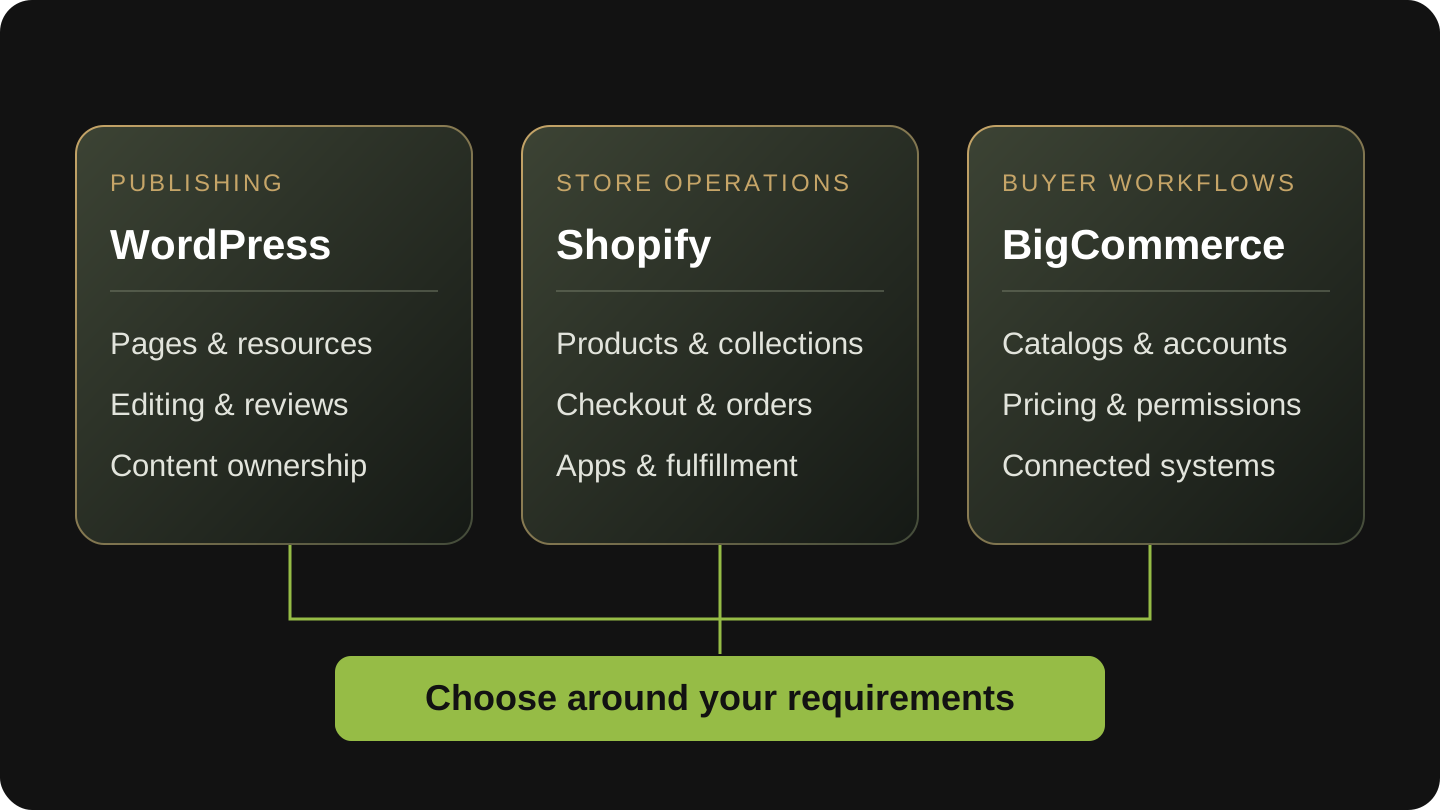
Maribis needed to change its ecommerce setup while key digital assets remained with a previous provider. AV Social recovered access, rebuilt the content website and coordinated the Dutchie transition and app launches. The published case documents restored control and launched customer-facing systems; it gives no project dates or quantified revenue lift. Dutchie commerce is distinct from the WordPress content site.
Ask the same detailed questions about every agency's examples, including ours. A useful reference conversation should explore how the team handled changing priorities, difficult decisions and work after launch.
Meet the people who will own the relationship
Find out who will lead strategy, development, design, SEO and day-to-day communication. Ask which work is handled by employees, contractors or specialist partners, and who remains accountable when work crosses those boundaries.
You do not need every discipline in every engagement. You do need coverage for the work you are buying and a clear way to resolve dependencies.
For example, a form change may involve design, development, analytics and sales operations. Who checks that the form works? Who checks the CRM record? Who confirms the sales owner received it? Who tells you the change is complete?
Ask about capacity as well as names. What work can the team start now? Who provides cover if a key person is unavailable? How are urgent problems separated from routine requests? Distinguish an acknowledgement time from a promised resolution time; the latter depends on the problem and the systems involved.
At AV Social, Mike handles development, Roo handles design, and Penelope handles SEO and account management. For your engagement, the proposal should make the relevant responsibilities and communication arrangements just as clear.
Request five pieces of delivery evidence
You can learn a great deal without requesting a free strategy project. Ask for a relevant walkthrough and redacted or representative examples of the following:
Evidence to request from each agency
- A responsibilities matrix. It should show what the agency, your team and external providers each own, including approvals and escalation.
- A prioritized work list. Look for an explanation of why an item matters, what evidence supports it and what must happen first.
- A completed change with acceptance criteria. Ask how the team proved the work functioned on the important customer journeys and how it handled release and recovery if something went wrong.
- A useful progress report. It should connect completed work, unresolved issues, decisions and the next priorities. A list of hours alone leaves you to work out the significance.
- A handover example. Look for understandable documentation, access arrangements and a way for your staff or a future provider to continue the work.
Test the handoff before choosing
A simple hypothetical exercise can reveal gaps. Say a quote form appears to submit successfully, but sales cannot find the inquiry. Ask who investigates, which steps they check, how they communicate and what counts as resolved. The answer should cover the whole handoff, including your team's responsibility to verify receipt.
Compare scope, ownership and cost together
Two proposals can both say “WordPress support” while covering very different work. Request explicit inclusions, exclusions, dependencies and approval arrangements before comparing totals.
| Area | What to clarify |
|---|---|
| Work included | Design, development, content, SEO, integration, testing and ongoing updates: which are actually included? |
| Planning and capacity | How is work selected? What delivery capacity is included? What happens when demand exceeds it? |
| External costs | Who pays for hosting, licenses and third-party services? What happens to them when the engagement ends? |
| Client responsibilities | Who supplies content, confirms requirements and approves changes? How do delays affect delivery? |
| Access and handover | Who controls the domain, hosting, WordPress, analytics, source files and relevant accounts? What is handed over? |
| Changes and exceptions | How are additional work, urgent issues, scope changes and cancellation handled? |
Agree on access and specialist responsibilities
For WordPress access, ask for named accounts with permissions appropriate to each person's responsibilities. WordPress supports distinct roles and capabilities; access should follow the work someone needs to do. Your organization should retain an agreed path to administrative control. WordPress's documentation explains those roles.
Hosting, routine website maintenance and specialist cybersecurity can involve different providers. Confirm who handles each responsibility and who coordinates them. An agency does not need to sell every service itself to provide a coherent working relationship.
Decide whether the work belongs in a project or an ongoing engagement
A scoped project suits a defined outcome with a clear finish: a particular integration, a redesign with agreed requirements or a diagnostic with specified deliverables.
An ongoing relationship suits a continuing set of needs that must be prioritized together: development, design, search, conversion improvements and support as the business changes. Ask how the agency will organize the work, allocate capacity and revisit priorities with you.
An undefined monthly arrangement can make it difficult to judge progress. Ask for the initial objectives, the first decisions the team needs to make and the conditions that would change the plan. If requirements are still uncertain, a bounded discovery or consulting engagement can establish scope before a larger commitment.
Also assess your own capacity. Even a capable agency needs timely business decisions, access to subject experts and someone authorized to resolve competing requests.
Agree on how business contribution will be measured
Choose measures that reflect the website's job. A B2B site may need reporting that connects inquiries to qualified opportunities. A commerce site may need reliable visibility into purchase journeys and operational failures. A service business may care about the quality and routing of appointment requests.
Ask what is already measured, what needs validation and who will maintain the connection between website activity and business records. Keep traffic, form submissions, qualified opportunities and sales distinct. A form submission still needs a real person, relevant need and appropriate follow-up before it becomes a useful sales opportunity.
An agency should explain what it can measure and what it cannot reasonably attribute to its work. When search is included, ask how recommendations are supported and what expectations are realistic. Google specifically cautions buyers against guarantees of first-place rankings. Its guidance on hiring SEO help is a useful reference for that part of the evaluation.
Use a scorecard to expose the remaining questions
Score each agency against the same ten areas: understanding your business, relevant delivery experience, team coverage, technical judgment, design and content, integration ownership, delivery communication, testing, measurement, and scope with handover.
Use 0 for an inadequate approach or an unacceptable gap, 1 for a partial answer needing clarification, and 2 for specific, relevant evidence with clear ownership. Mark unassessed areas U so a missing conversation is visible.
Record the evidence next to the score. “They seemed organized” is hard to compare. “Showed a work list with priorities, owners, acceptance criteria and blocked decisions” is something your team can discuss.
The total is a conversation aid, not a validated predictor of project success. An unresolved must-have—such as a required integration, access arrangement or delivery deadline—still needs an answer regardless of the score. Compare completed assessments and use remaining gaps to shape the next meeting.
Download the WordPress agency evaluation scorecard (PDF) to record evidence, assign responsibilities and compare the engagement terms. The five-page worksheet is designed to print and complete with your team.
Prepare for a useful first conversation
Bring your three customer tasks, the systems involved, current ownership gaps, budget and decision timing. Ask the agency to explain where it has relevant proof, what it needs to investigate and which engagement would fit the work.
AV Social works directly with US businesses that rely on WordPress for leads, commerce or complex website workflows. Our work connects development, design, SEO, integrations and ongoing improvement, with established cannabis and B2B experience. Each scope names what we own, what your team provides and where specialist partners are involved.
Explore AV Social's WordPress services, or start a website conversation with our team. Bring the questions above so we can discuss the work your business needs.