The short answer
Prioritize the location-to-menu journey before adding more pages or tools. Give each real store useful, accurate information; verify its menu destination on the actual implementation; assign owners for changes and failures; and distinguish discovery, menu actions, and verified purchases. If customers reach the wrong store or stale information, correct that operating problem before expanding content.
Start with the route to the correct store
A customer may arrive through a location page, a search result, a product link, the homepage, or a saved menu URL. Review these entrances separately. A journey that works from the homepage can still fail when someone arrives directly at a store page or returns through an old link.
The customer should be able to identify the selected store, confirm useful visit information, and understand where the menu button will take them. If your business offers different supported shopping paths, use labels the store team has verified. Do not make the customer infer the destination from an internal store code.
Test what happens when someone changes locations. Does the new store remain obvious? Does the menu reflect that choice? What happens to an existing selection or cart in the connected system? Record the actual behavior rather than assuming every menu provider or implementation works the same way. The review should cover the handoff, not stop at the WordPress button.
Give each location page a reason to exist
A useful location page answers questions about a real store. Start with the approved name, address, customer-facing hours, contact route, directions, and correct menu destination. Add practical details that are true for that location: parking or entrance information, relevant access details, and answers to recurring store questions.
Shared design is helpful; interchangeable content is less so. Your WordPress template can keep the structure consistent while allowing store-specific information. Avoid publishing pages for nearby place names when the page adds no useful information about an actual store or service. More pages create more facts to maintain and more opportunities to send someone down the wrong path.
Keep the website and local profiles aligned with the real operation. Google's Business Profile guidelines call for accurate real-world names, addresses, customer-facing hours, and contact or website information representing the individual location. Review those details together when store information changes.
Separate durable information from temporary notices. A holiday-hours change should have an owner and an end date. A persistent template should not depend on someone remembering to remove an old banner. Where the same fact appears in several systems, document every destination or establish a controlled source for the update.
A useful location-page content check
- The real store and selected location are unambiguous.
- Address, hours, contact details, and directions are current and store-approved.
- The menu link reaches the intended store and supported shopping path.
- Practical local details help a customer plan a visit.
- Temporary notices have an owner, effective dates, and a removal step.
- The page offers useful information beyond a city name and repeated generic copy.
Review the menu implementation you actually have
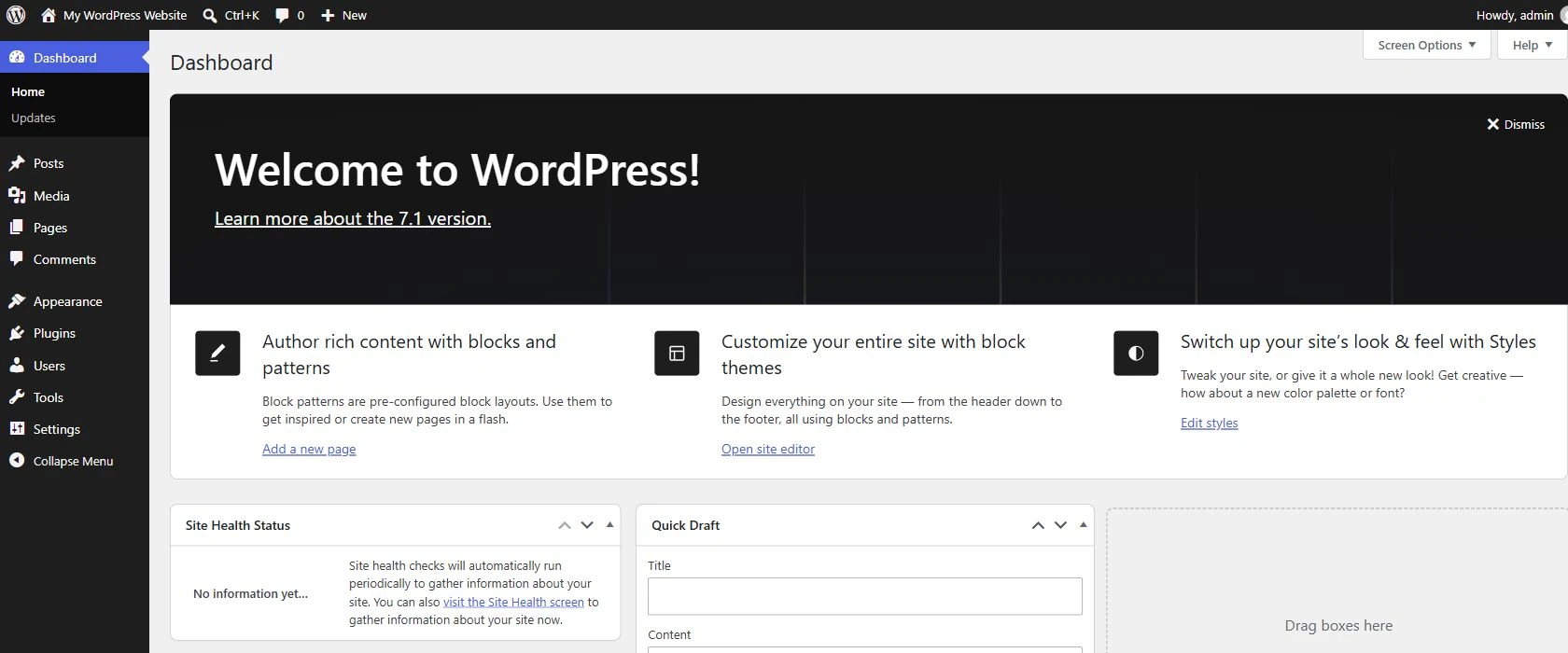
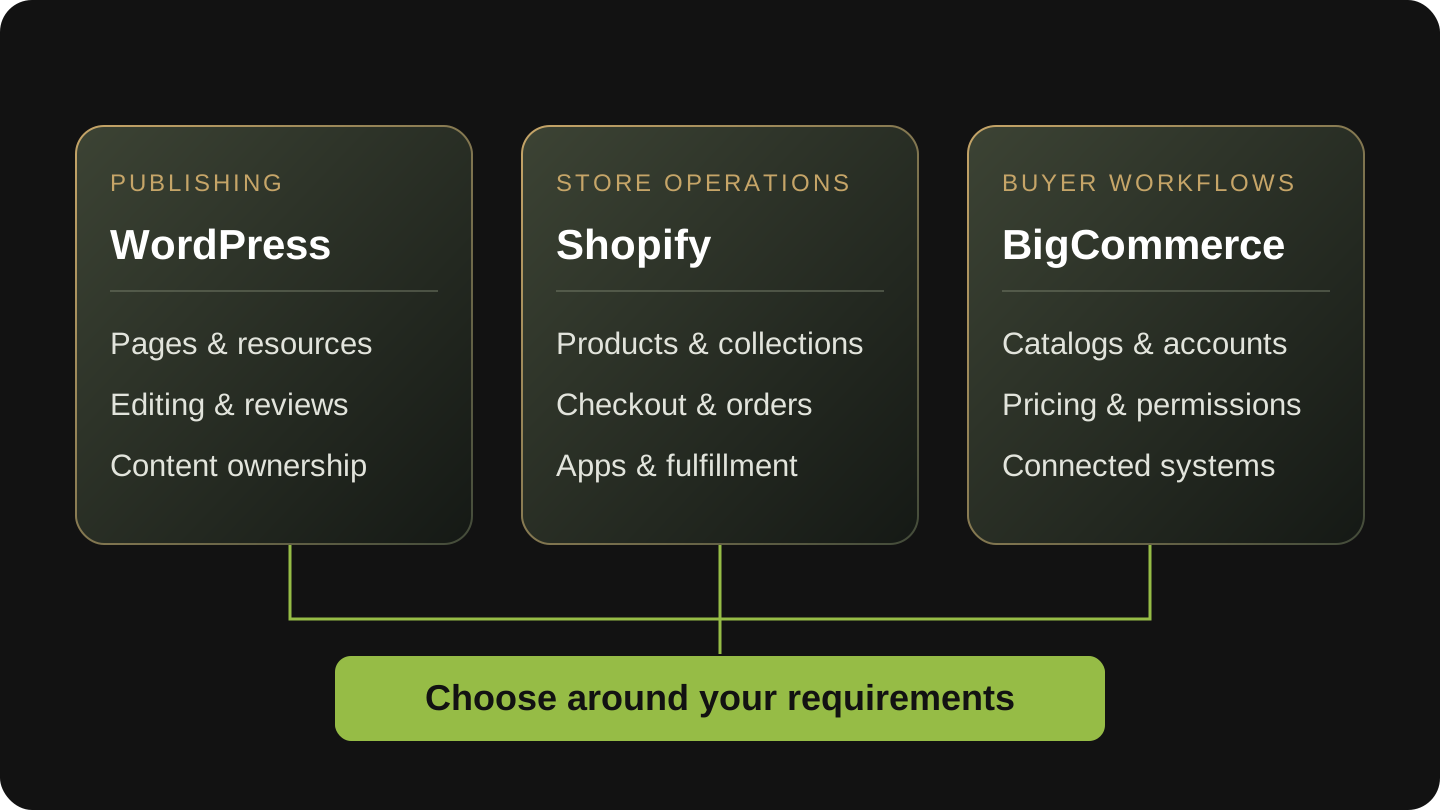
WordPress may manage the content website while another platform manages menus, catalog data, or transactions. Describe that division accurately. A WordPress dispensary website is not automatically a WooCommerce store, and a Dutchie connection should not be described as a WooCommerce integration without evidence.
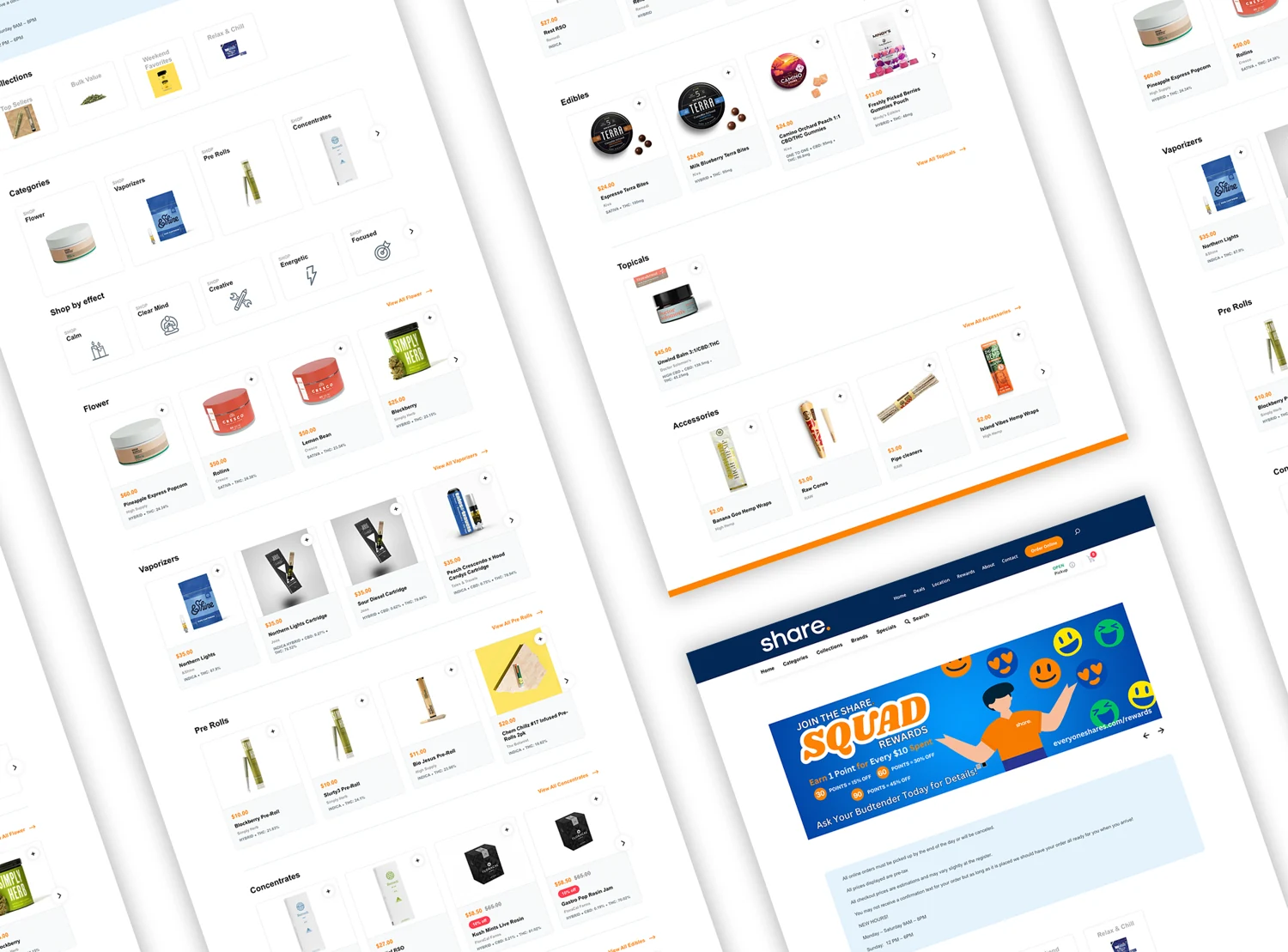
The implementation might use links to another destination, embedded experiences, connected catalog pages, or a combination. Have your developer document which system renders each important page, where URLs lead, and where the customer changes systems. Evaluate indexing and measurement from the actual pages and available tools. A blanket claim that every embedded menu is invisible to search, or that every connected catalog will rank, does not replace inspection.
Test on a representative mobile device as well as desktop. Check location labels, menu loading, changing stores, returning to the website, and failure messages. Include a direct arrival at an important menu or catalog URL. If the provider is unavailable, the team should know what customers see and who is responsible for the response.
Keep interface defects separate from source-data problems. An incorrect item or availability detail may originate in the menu platform or the operating system feeding it. A wrong menu destination may originate in a WordPress link. Identifying the first point of failure helps the right team resolve it without unnecessary changes elsewhere.
Check what search can discover at each important URL
List the WordPress location URL, its menu destination, and any product or catalog URLs the business expects people to find through search. They may belong to different systems. Have the website and menu owners identify which destination should appear for each need, and who can inspect or change it.
Google's JavaScript SEO guidance explains that discovering, rendering, and indexing are separate steps. Ask for a current inspection of the important URLs, including whether their useful content and links are available to Google. A normal browser screenshot can establish what a customer sees; it cannot by itself establish what has been indexed. Inspection also does not promise a ranking.
Prioritize a real visibility or destination problem over a blanket menu-platform claim. If a store page is not discoverable, investigate that page. If a menu button goes to the wrong store, correct the handoff. If a provider controls the affected catalog URL, involve that provider with the exact example rather than assuming a WordPress edit will resolve it.
A short discovery and destination review
- Record the public location URL and final menu destination for each store.
- Identify which team controls each URL and its important content.
- Check the important location and catalog URLs in the tools available to their owners.
- Record what was observed, what could not be inspected, and the next owner.
- Keep indexing evidence separate from rankings, menu clicks, and verified orders.
Make one location-and-menu ownership register
The most useful shared document is a register of facts, destinations, and owners. It should tell the team which system supplies information, who approves a change, who implements it, and how the result is checked. Use one row per location and information type where responsibilities differ.
Assign a coordinator for changes that span systems. A store-hours update may involve the WordPress page, local profile, menu platform, app, and a temporary announcement. Those tasks need a completion check across the customer journey; updating the first screen does not establish that the whole change is finished.
| Information or journey | Authority and change owner | Verification to retain |
|---|---|---|
| Store name, address, and hours | Store or operations approver; named website and profile editors. | Approved facts, effective date, and checked public destinations. |
| Menu destination and store selection | Operations confirms the store; website developer and menu provider own their respective settings. | Location page URL, final menu URL, selected-store behavior, and test date. |
| Catalog and availability information | The actual system and staff role that control the source data. | Affected record, where the discrepancy first appears, and escalation owner. |
| Temporary notices | Business approver and publisher, with an assigned removal owner. | Start and end dates, affected pages, and confirmation of removal. |
| Measurement | Measurement owner coordinates supported website and provider reporting. | Event definition, destination, coverage limits, and whether an order can be verified. |
| Access and provider changes | Business account owner and transition coordinator. | Access inventory, support contacts, recovery route, and accepted handoff. |
Separate discovery, menu actions, and completed purchases
Start with the question each measure can answer. Search visibility can show that a page appeared for a query. A location-page visit shows a visit under your measurement setup. A menu click records an action toward a destination. None of those, by itself, establishes a completed purchase.
Define a menu action precisely: the button, originating page, intended store, and final destination. Check whether the event is available under the consent states and browsing paths your implementation supports. If measurement ends at a provider handoff, record that limit rather than presenting the click as a transaction.
Use verified order records where the provider and your access allow them. Agree what counts as completed, canceled, or refunded and which time period is being reported. Linking an order to a prior website action requires a valid connection between those records; matching totals or timing alone does not prove attribution.
Review performance by location where the data supports it. A single total can hide a broken link at one store or a temporary closure at another. Include relevant operational changes in the report so leadership does not interpret a store-hours change or unavailable menu as a content performance problem.
A worked example: fix the store mismatch before expanding content
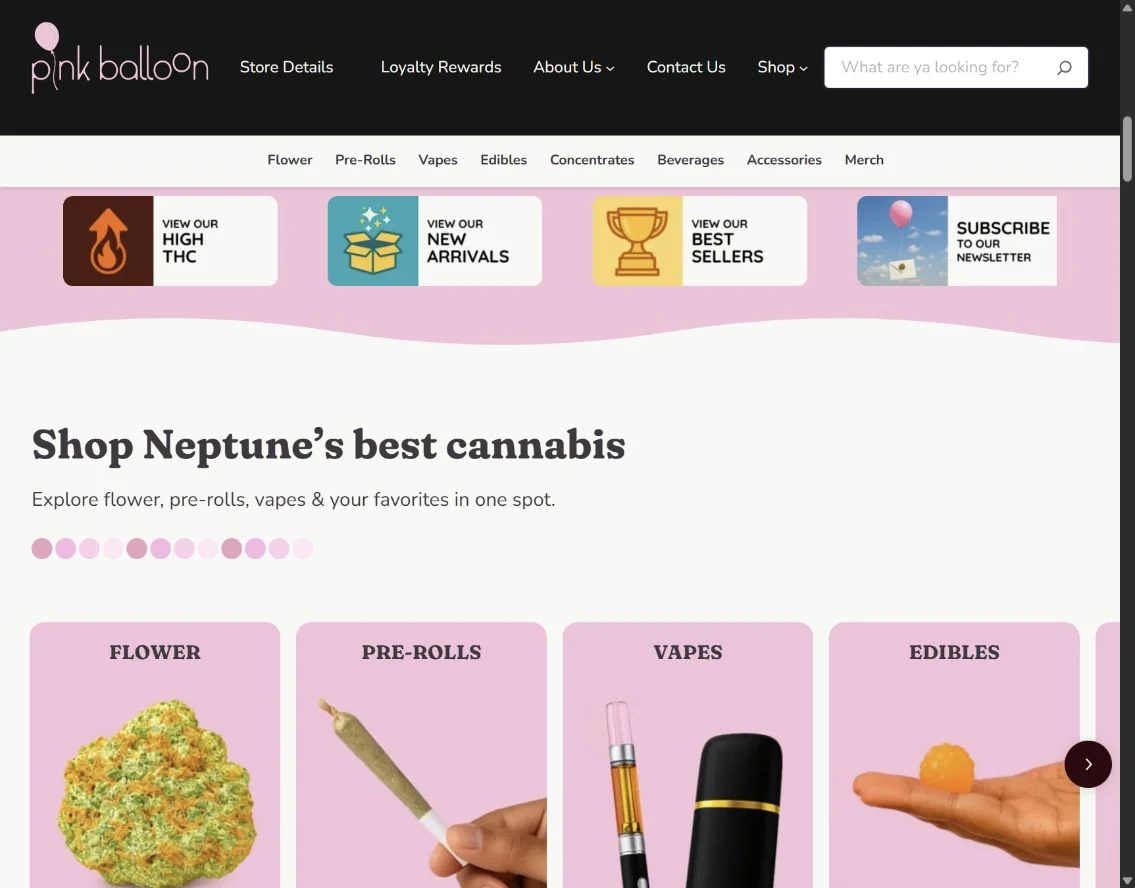
Imagine a hypothetical dispensary group with three WordPress location pages. Leadership asks for more local content. During a review, the team finds that one location's menu button opens a different store, a second page carries outdated holiday hours, and menu clicks are reported as orders. These are illustrative findings, not results from an AV Social client.
The first priority is the wrong destination because the error is reproducible and changes the customer's store journey. Operations confirms the correct destination, the website owner fixes the link, and the reviewer tests direct entry, mobile use, and switching locations. The hours correction receives an owner and a removal process for future temporary notices.
The measurement owner then corrects the reporting language and investigates whether verified order reporting can be connected appropriately. Only after those foundations are dependable does the team prioritize new location content. The decision is supported by observed problems; there is no need to invent lost sales to justify fixing them.
Run a monthly journey review, with checks after important changes
A monthly review is a useful starting rhythm, not a universal requirement. Changes to locations, menus, providers, or store information deserve their own verification. Keep a dated register of what was checked, the evidence, the owner, and any unresolved issue. A repeated template problem should become one coordinated fix with representative checks across locations.
Have the store team confirm the information it owns and the website team verify the public journey. SEO and measurement work should use that same register so a content recommendation, a technical fix, and a reporting issue do not become disconnected projects.
Monthly location-to-menu review
- Check each location's approved information against its public page and relevant profile.
- Follow the menu path from each location page and confirm the intended store.
- Review direct menu arrivals, mobile behavior, location switching, and known exceptions.
- Remove expired notices and confirm upcoming changes have owners.
- Inspect available measurement and label the boundary between clicks and verified orders.
- Assign every unresolved issue an owner, next action, and verification date.
Your working worksheet
Review one location before scaling the template
Choose one store and check its complete route from search or a location link to the correct menu. Download the result, record the store name in your own worksheet, and repeat for the next location.
Your entries stay in this page. This tool does not send or save them. Download your worksheet to keep a copy; reloading the page clears your entries.
Choose Verified only when you have supporting evidence. These are counts of your answers, not a maturity benchmark or a prediction of results.
0 verified; 0 need work; 8 unknown.
| Group | Verified | Total questions |
|---|---|---|
| Location accuracy | 0 | 3 |
| Menu journey | 0 | 3 |
| Measurement | 0 | 2 |
Next actions
- Unknown: The location page clearly identifies this store and its current hours.
Verify the store identity, hours, address and contact details with the operator.
- Unknown: The page adds store-specific information useful to visitors.
Add practical, verified details such as access, pickup instructions and local services.
- Unknown: Published business information agrees across the website and owned listings.
Compare the location page with the business profile and correct mismatches.
- Unknown: The main menu link opens the intended store and appropriate menu.
Test the destination with a fresh browser session on phone and desktop.
- Unknown: A visitor can tell when they have moved to an external ordering provider.
Make the provider handoff understandable and check the return route.
- Unknown: Someone owns store-menu mapping and change verification.
Name who updates the mapping and who checks it after changes.
- Unknown: Location and menu actions are measured without calling them completed sales.
Label clicks, menu actions and purchases separately in reporting.
- Unknown: A reporting review connects available evidence with the correct location.
Record source, location, reporting window and measurement gaps before interpreting results.
Assumptions and calculation notes
- Select Verified only when you have current evidence for the stated check. Needs work records a known gap; Unknown means the evidence is missing.
- Bars count verified checks in each group. Checks are equally counted and are not a weighted risk score, certification, performance benchmark or recommendation to buy a particular service.
- Use the downloaded worksheet to assign owners, evidence and dates with your team. Revisit it after changes; a completed checklist does not guarantee future results.
How to use the review and client examples
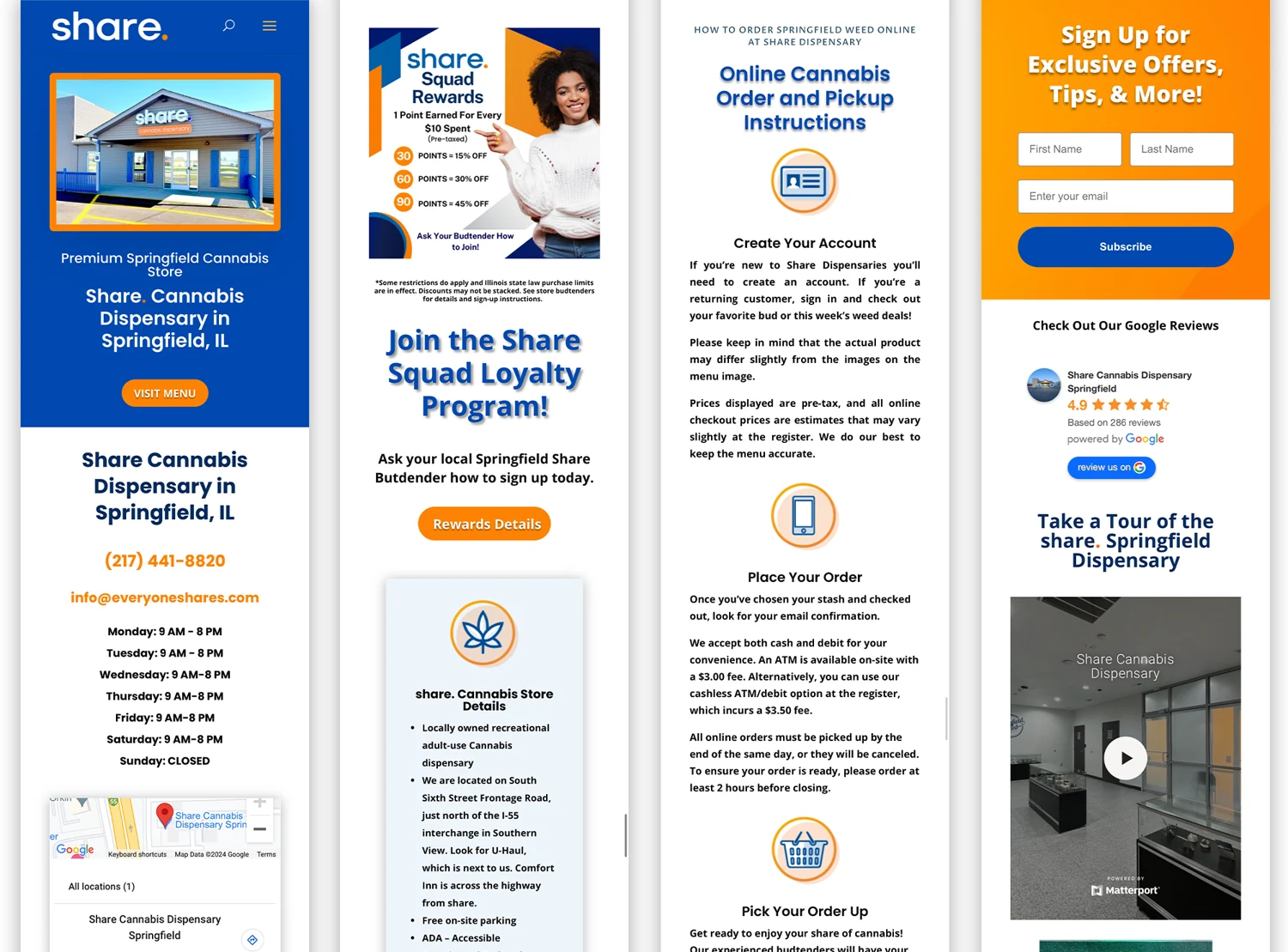
The register is an operational review of your actual stores and systems. Google's sources support the profile and search-inspection guidance. Share and Maribis illustrate AV Social's documented delivery responsibilities; neither is presented as a controlled test of one location page, menu provider, or SEO tactic. Keep historical project artwork separate from current store information, and use your store owners' approved facts for today's review.
Build an improvement plan around the stores you operate
AV Social combines WordPress development, design, SEO, and account coordination with experience in dispensary websites and menu transitions. The starting point is your actual store journey and the systems that support it, with your team supplying approved operational details.
Explore our WordPress services and talk with us about your locations. Bring the store list, website and menu destinations, current owners, and the recurring problems your team sees. We can use that to define a focused project or an ongoing improvement plan with clear responsibilities.
Sources and further reading
Platform documentation supports the technical guidance above. The worksheets are AV Social's decision aids; their outputs use your entries and the stated assumptions.